The four operations I separate
Reading, processing, writing, and purchasing are not one thing.
A privacy label becomes useful when it tells me what happens at each step. For a product-photo batch, I want to know which folders the app can reach, where the pixels are transformed, where the outputs go, and which unrelated services can use the network.
- Folder access: I choose the source and destination folders, and macOS grants the app access to those locations.
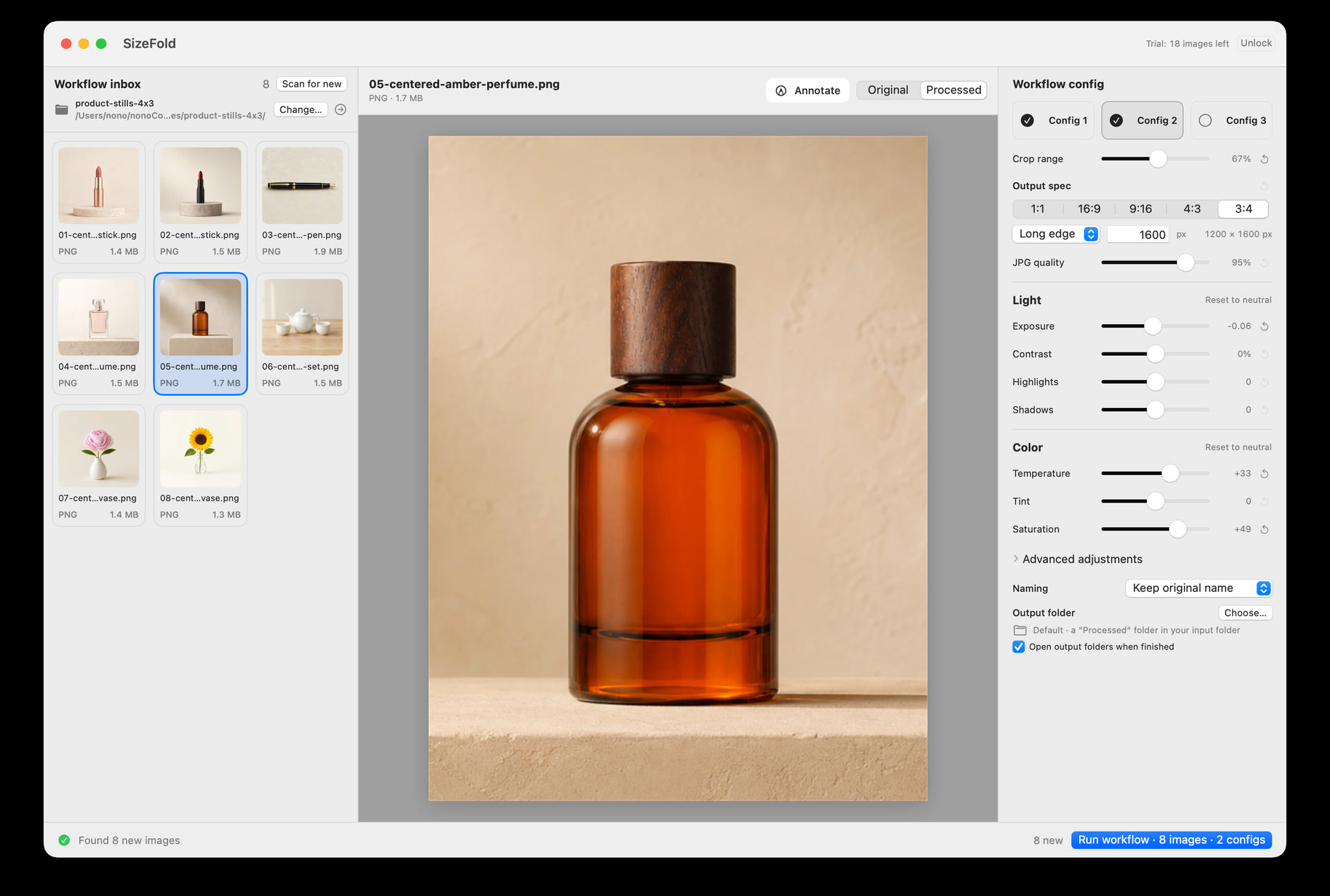
- Pixel processing: crop, color, resize, sharpening, and JPEG encoding run on the Mac.
- File movement: finished outputs and successful originals go to visible folders; failed sources remain available.
- Platform services: purchase and restoration use Apple's StoreKit, which is separate from image processing.
What local does not mean
Keeping pixels on the Mac is not a universal guarantee.
Local processing does not mean the output JPEG is lossless. SizeFold renders a new JPEG from the source. Preserving the original is a file-safety promise, not a claim that every compressed bit survives.
It also does not mean the whole Mac is secure, that backups are unnecessary, or that every platform requirement is handled offline. Cloud-synced folders, other software, drive failures, and Apple's purchase services remain separate concerns.
Selected Input folder
        |
        v
  Native macOS image processing
        |
        +--> Saved output JPEG folders
        |
        +--> Originals archive after every output succeeds

Purchase and restoration: Apple StoreKit
Website analytics: documented separately
The app boundary
There is no hosted photo workspace in the middle.
SizeFold has no SizeFold account, cloud photo library, advertising SDK, or in-app analytics. Photos, filenames, and selected folders are not sent to SizeFold servers for the core workflow.
The app still needs the permissions that macOS uses for user-selected folders. That is visible and scoped: the app can work with the locations I grant, not with an invisible server-side copy of the project.
The failure path matters too
Local is also about where unfinished work remains.
If an output or archive operation fails, the source stays in Input and incomplete products from that attempt are removed. The original is not moved merely because one derivative succeeded.
That behavior keeps the file state local and inspectable. I can open the folder in Finder, see what remains, and retry without reconstructing a cloud job or guessing whether the remote service finished.
The services that are separate
Purchase is not image processing.
Downloading, purchasing, and restoring the app can involve Apple services. That does not mean the product photographs pass through those services. The free workflow allowance counts successfully processed source images; failed sources do not consume it.
The website has its own analytics policy, documented in the privacy policy. Those page measurements are not in-app image analytics.
The promise I can defend
I can explain where the pixels go.
SizeFold keeps the image operation on the Mac, writes outputs to chosen folders, preserves the source until its required outputs exist, and states the exceptions instead of hiding them behind the word “local.”