
One-off batch exports
Select the same photos again for each size, destination, and delivery.
For product photographers, Etsy sellers, and small ecommerce shops on Mac
Configure your workflow once. Drop each new shoot into one Input folder, run it, and SizeFold creates every version defined by your saved configurations—then archives originals only after every output succeeds.
Start with the problem
Start with the problem you are trying to solve: repeated resizing, repeated file selection, or a folder that no longer tells you what is finished.
The folder is the input node
A card import ends in a folder. So does a tethered shoot or a group of photos sent from your phone. Use that folder as Input, put the next shoot there when the current one is done, and keep the same workflow moving.
Select the same photos again for each size, destination, and delivery.
Use one Input folder as the queue. The next batch runs with the same saved decisions.
Set the workflow once
Camera exports, tethered captures, and phone transfers can all end in the same Input folder.
Save the crops, sizes, color adjustments, naming format, and destination folders you use for this kind of shoot.
Reuse for every batch
Put the next shoot in Input and click Run. Add a model name only when you want it in the filenames or folders.
A failed source stays in Input for review. The normal path is simple: finish one batch, then drop in the next.
A focused workflow
SizeFold fits weekly or monthly SKU shoots, Etsy listings, and small-shop deliveries where the same kind of photos need the same kinds of outputs. It also works for handmade goods, accessories, lightly customized products, and one-of-a-kind items when the capture and delivery rules remain repeatable. It is not trying to replace a full photo editor.
One source, multiple deliveries
The same product photos may need a square store version, a taller website version, and a different social crop. Those are separate deliveries from the same source batch.
Save up to three independent output configs once. Each one keeps its own crop ratio, dimensions, color settings, naming format, and destination folder for the next batch.
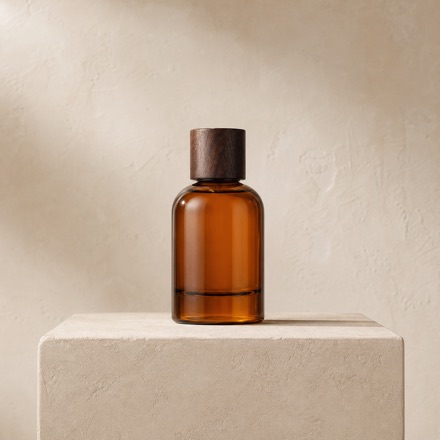

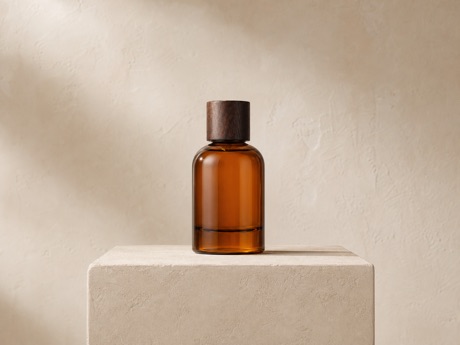
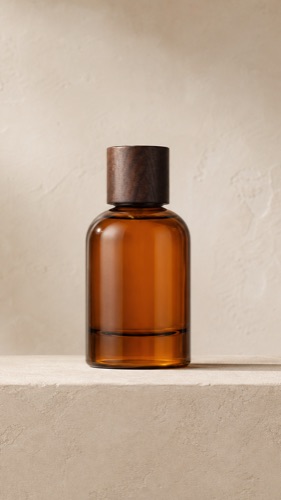
Enable only the configs a job needs. One run generates them together and routes each result to its configured destination.
Check before running
Move through the current batch, compare the preview with the original, and adjust the settings for this camera and lighting setup.
Press and hold the image preview to reveal its untouched original. Release to return to the processed preview, including the saved crop ratio, output size, and color adjustments.
Adjust exposure, contrast, highlights, shadows, temperature, tint, and saturation for a fixed camera and lighting setup. The saved values apply to new photos next time. Change the camera, lighting, or scene, and you adjust the config once; the new setup then runs the same way.
Local processing and safe archiving
Crop, color, resize, and JPEG generation run locally. Your commercial images are not sent to an AI service.
Complete app capabilities
This is the SizeFold 1.4 release-candidate feature set. See the detailed feature reference.
The trial uses the complete app. Only successfully processed source images count toward the 200-image allowance; failed images do not. Undoing an eligible trial batch returns the allowance used by that run. Unlimited use unlocks with one Mac App Store purchase.
One-time unlock through the Mac App Store
Download on the Mac App Store