New photos go to Input
Put the next product shoot in the same folder instead of rebuilding a new task.
Product photo workflows
A few new products can still create a long afternoon: resize the same photos for Etsy, Amazon, Shopify, your website, and social media, then rename and move everything into the right folders. These guides start with that ordinary work and show how one batch can become a repeatable workflow.
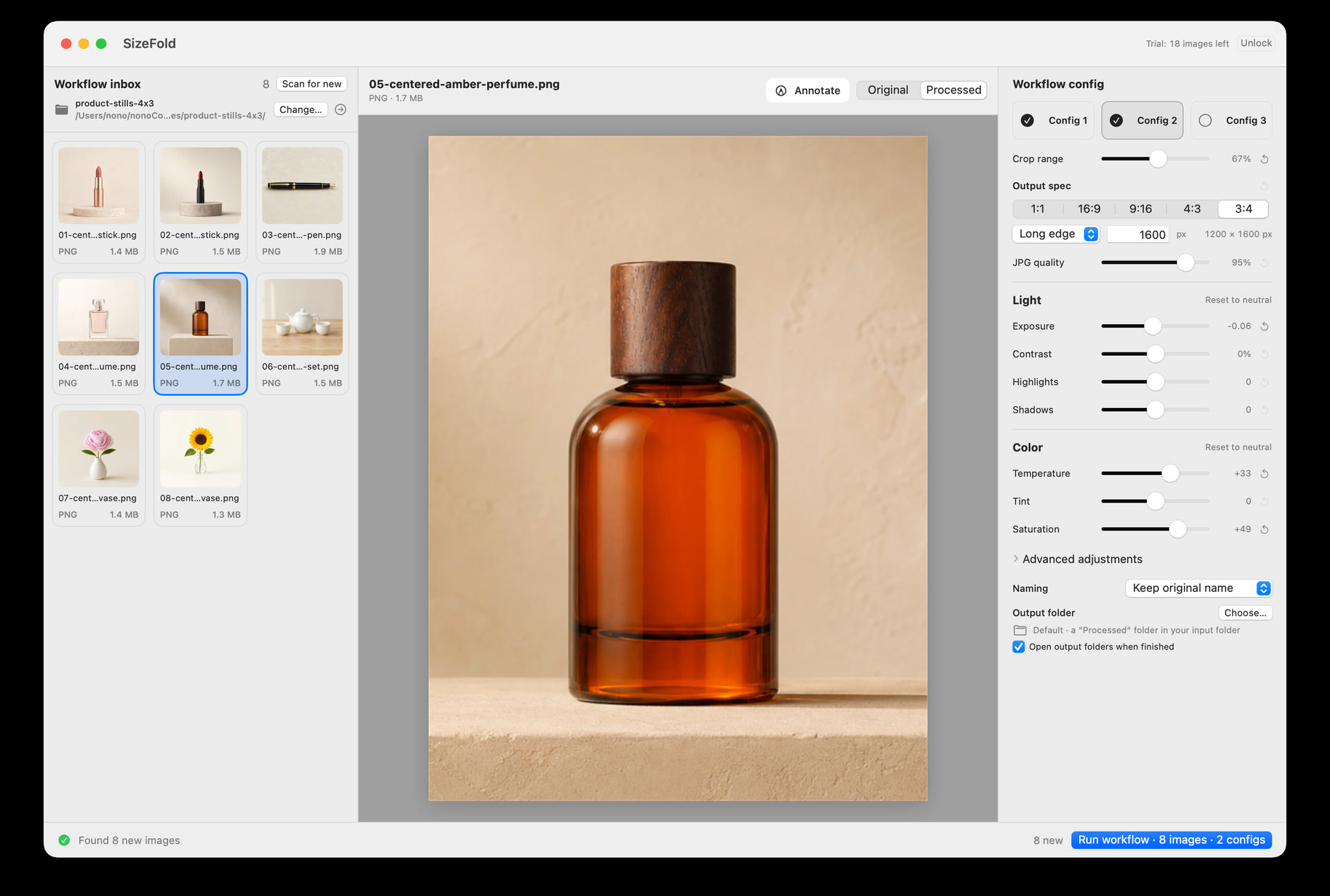
Process one batch into several marketplace versions at once and keep results organized by destination.
Read the guide → 02 · Multi-ratio batchHow to Create Square and Portrait Product Photos in One BatchCreate square and portrait versions from the same originals in one run without re-selecting files.
Read the guide → 03 · Etsy seller storyWhy I Built SizeFold: An Etsy Seller’s Photo Workflow NoteA personal seller note on multi-ratio exports, SKU archiving, and eliminating listing friction on Mac.
Read the guide → 04 · File organizationHow to Organize Product Photos by SKU or Model NumberKeep each product batch traceable across filenames and destination folders with optional SKU naming.
Read the guide → 05 · Studio captureStudio Photography Workflow on Mac: Tethering and LocalSendFinish one item before the next begins when a session runs a dozen SKUs through the same folder.
Read the guide →The repeatable part
These workflows fit product shoots with a similar camera position, light, background, and subject placement. They are not a replacement for RAW development, deep retouching, or choosing a different crop for every frame.
Put the next product shoot in the same folder instead of rebuilding a new task.
Each saved configuration can reuse its crops, sizes, color adjustments, naming formats, and destination.
After a successful run, the source photos are archived and Input is empty again.