The setup I can repeat
My camera and table are boring in the useful sense.
For a tabletop product shoot, I try to keep the camera height, lens, lights, background, and product position steady. I do not need every product to be the same size. I need the important part of each product to survive the crops I have chosen.
If a new setup changes the perspective, the light, or the way the product sits in the frame, I treat it as a new batch even when the files are in the same folder.
A test before the full run
One representative frame tells me more than a confident setting.
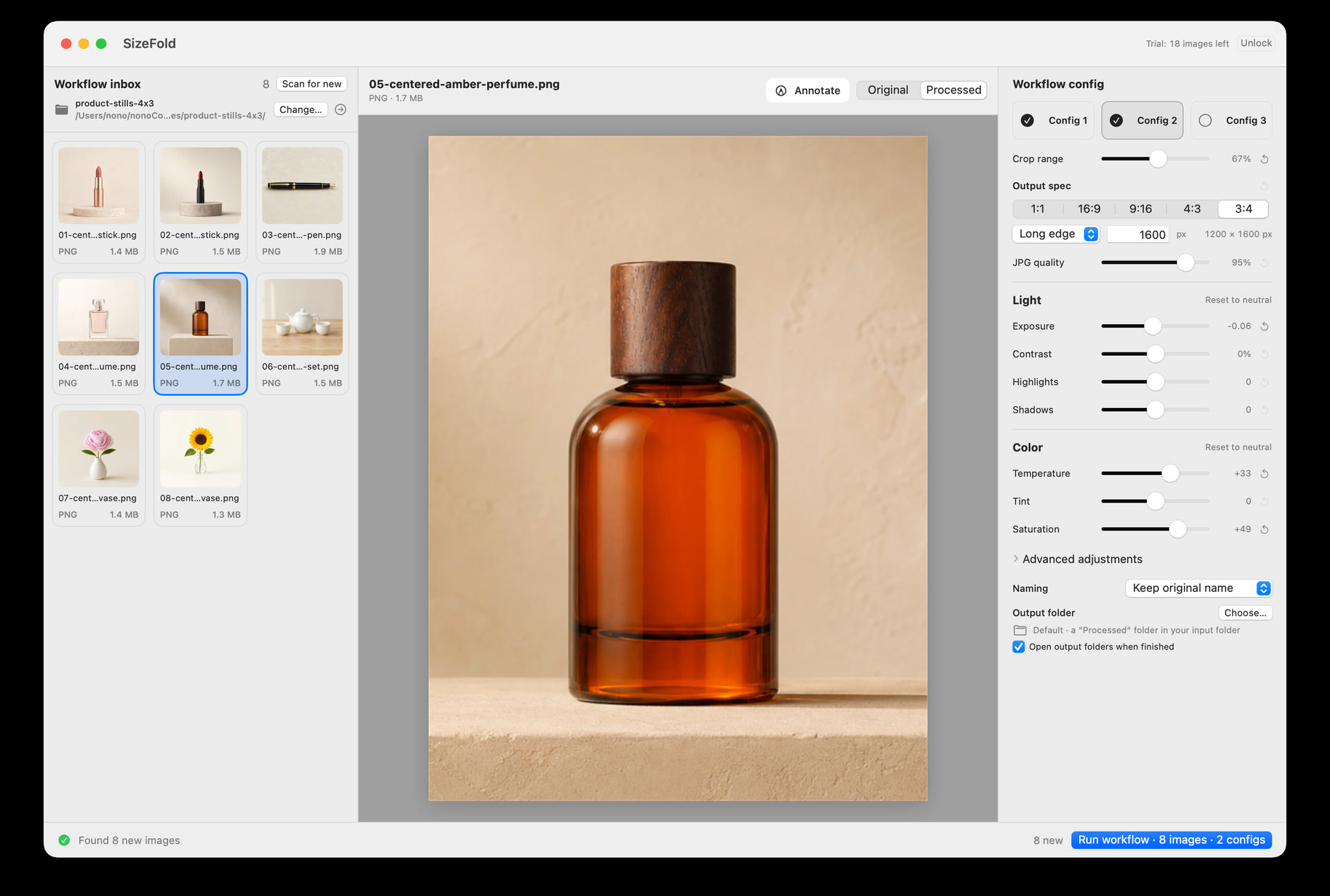
I choose a frame that contains the widest product, the tightest crop, a bright highlight, and a dark detail I care about. I render the required outputs and open them at their actual size.
I check the product edges, small text, color, sharpening, filename, and destination. If the 1:1 version works but the 9:16 version cuts off the product, the problem is visible before the rest of the folder is processed.
When I split the batch
Saved settings are a baseline, not a permanent contract.
- The camera or lens moved. A small change in perspective can alter the subject scale inside a fixed crop.
- The light or background changed. The same exposure, white balance, or color adjustment may no longer describe the new setup.
- The product needs a different framing. A tall bottle, a wide case, and a small accessory may not belong under one crop assumption.
Starting another batch is cheaper than discovering that a shared setting quietly damaged one class of product.
The folder handoff
Once the boundary is real, the folder can do the remembering.
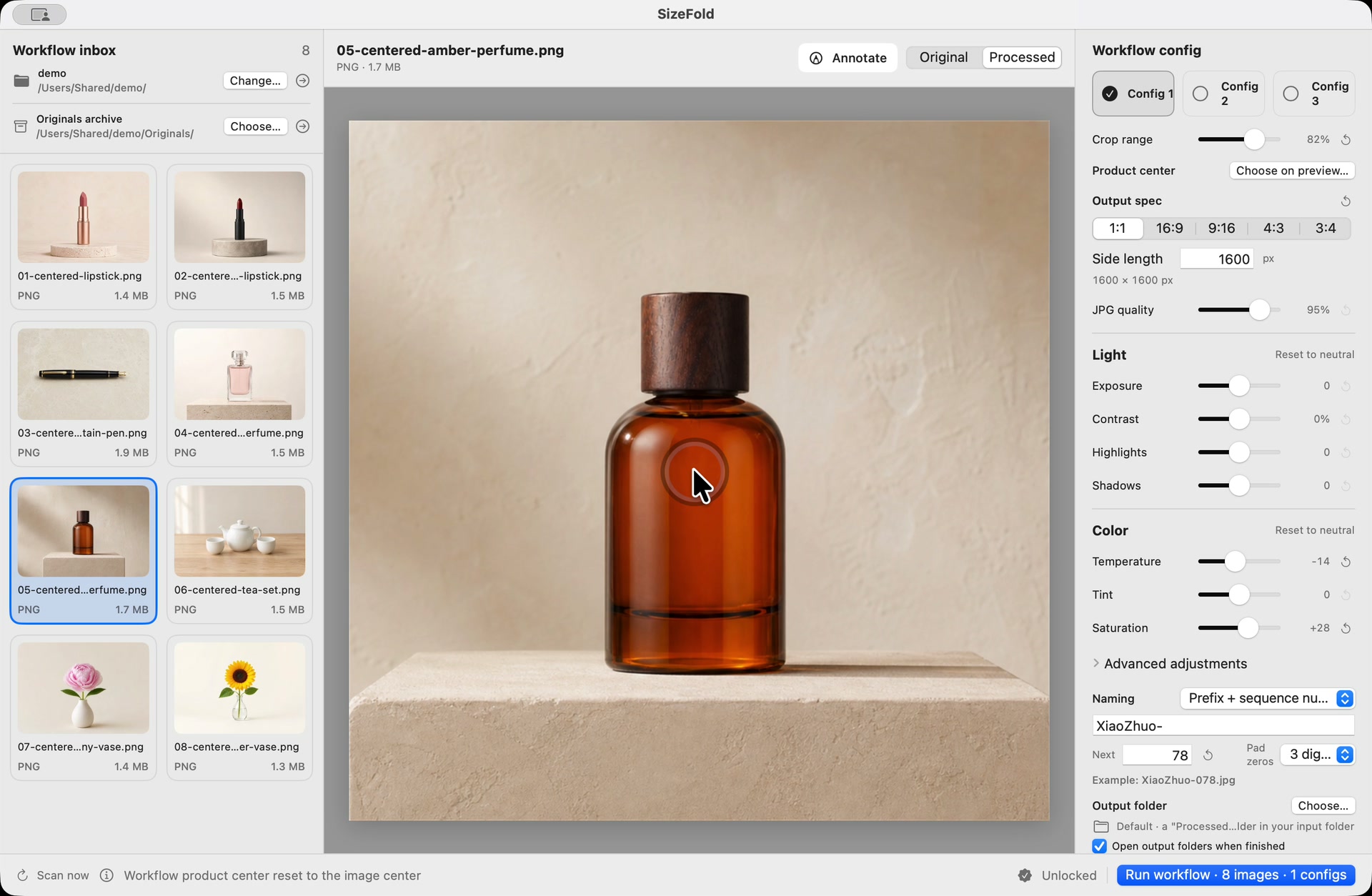
I point SizeFold at the folder where the batch already arrives. Supported top-level images are the pending queue. I review the photographs, run the enabled outputs, and let successful originals move only after every output for that source exists.
A source that fails remains in Input. That makes the queue honest: an empty top level means no unresolved source images, while a remaining image is a specific thing to retry.
What this is not
Batch processing should not hide a decision.
If I only want three approved frames from a long capture session, I make a selects folder first. If several lighting setups are mixed, I separate them before running. If the folder is a permanent archive, I do not use it as the queue.
The useful boundary is the one I can explain to myself in one sentence: “Everything at the top level is the next product batch.”
The repeatable result
The next batch works like the last one.
Test one frame, finish the current batch, and keep the saved workflow. Put the next product photos in the same Input folder and click Run. SizeFold reuses the crops, sizes, colors, naming format, and destination folders; add a model name only when you want it included.